Salespeople in technical businesses spend a startling amount of their week not selling: typing up notes after site visits, digging through email before meetings, building forecast spreadsheets. Microsoft’s Copilot Sales agent lives in Outlook and Teams and takes on a lot of that. I’ll skip the feature tour. Here are three plays that turn the time saved into money.
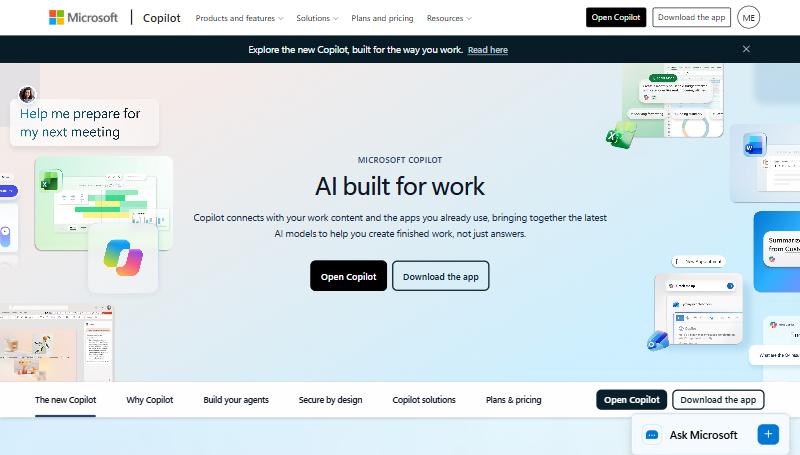
Image: Microsoft, from the official Microsoft release plan
Play 1: Get site-visit notes into the CRM before you drive off
The money: details from site visits (the throughput they need, the competitor’s machine in the corner, the person who actually decides) that never make it into the CRM, so the quote misses them.
How I’d run it:
- Walking back to the car, record a voice note in Outlook mobile: who you met, what they need, what you promised, the next step.
- Let Copilot attach it to the right account and deal; it links meetings to CRM records automatically.
- Before you start the engine, check the summary it produced and fix anything it got wrong.
The maths, as an example: if better notes mean one quote a quarter is right first time instead of needing a revision cycle that loses the customer’s attention, at a $40k average job and a 30% win rate, that’s about $12k a quarter in expected revenue.
Play 2: Open every customer meeting with the right question
The money: meetings where you spend the first ten minutes catching up on things you should already have known, and miss the upsell because you didn’t remember what they asked about last time.
How I’d run it:
- Before each customer meeting, ask the Sales agent: “Summarise this account: open deals, recent emails, anything they asked for that we haven’t delivered, and anything they mentioned about future plans.”
- Pick one question to open with from what it finds.
- If it surfaces something you owe them, deliver it before the meeting, not during it.
Play 3: Build the quarterly review pack in minutes
The money: the afternoon a manager loses before every quarterly review building the same forecast workbook.
How I’d run it: use Agent Mode in Excel to do the multi-step job: pull the pipeline export, build the views by stage and owner, and flag deals that slipped quarter. Check the numbers against the CRM, then spend the saved afternoon on the two deals that actually need help.
How I’d actually do it
Start with Play 1. The voice note on the way out of a site visit is the single habit that improves quotes the most, and it takes 90 seconds.
The caveat is licensing. The Sales agent is an extra layer on top of Microsoft 365 Copilot, not something every Microsoft 365 customer already has. Check what you’re actually licensed for before you plan around it. And the automatic meeting-to-CRM linking only works if your accounts and deals are set up consistently; if three reps named the same customer three different ways, Copilot will guess.
Where this fits
For the Google equivalent, see Gemini in Gmail and Sheets. For call recording and notes written straight into a CRM, see Pipedrive Nova. If accounts are too messy for automatic linking to work, that’s CRM Pipeline Rescue.
What shipped, for reference: Copilot’s Sales agent links meetings to CRM records automatically, prepares sellers before calls from CRM, email and meeting context, summarises email, and supports post-meeting voice notes in Outlook mobile. Copilot in Excel adds Agent Mode for multi-step workbook tasks. Requires Microsoft 365 Copilot licensing plus the Sales agent.
Source: Microsoft.