If your business runs on Google Workspace Business Standard or above, you’re already paying for Gemini in Gmail and Sheets. Most teams use it to tidy an email now and then. I’ll skip the feature list; here are three plays that turn it into money, and none of them needs a new tool.
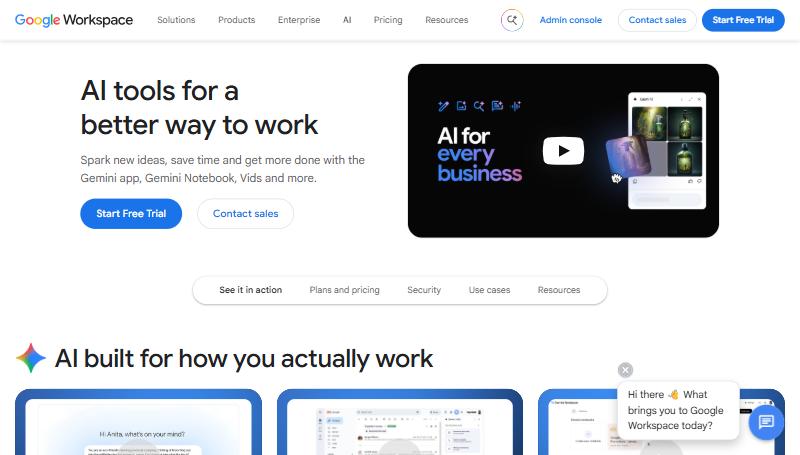
Image: Google, from the official Google Workspace AI page
Play 1: Answer every enquiry the same day
The money: enquiries that get a slow reply because the thread is long and nobody has time to read it properly. The first supplier to give a sensible answer often wins.
How I’d run it:
- Each morning, open every enquiry thread with more than three messages and use the Gemini summary at the top.
- Use “Help me write” with a short brief: “Reply confirming we can supply the 40 units, lead time is six weeks, and ask whether they need installation.”
- Read it, fix the tone, send before lunch.
The maths, as an example: if replying the same day instead of in two days lifts your enquiry-to-quote rate even slightly, on 30 enquiries a month at a 25% win rate and $15k average, every extra quote is worth about $3,750 in expected revenue.
Play 2: Build the margin tracker you never got round to
The money: margin leaking on jobs because nobody tracks quoted margin against actual margin. The spreadsheet was always “on the list.”
How I’d run it:
- In Sheets, describe what you want in plain English: “Add a column that calculates margin percentage from the quoted price in column D and the actual cost in column F, and highlight anything under 20%.”
- When a formula breaks, use the fix option; it reads the surrounding data and tells you why.
- Review the red rows once a month and fix the quoting template, not just the job.
Play 3: Find out why you really lose quotes
The money: repeated losses for the same reason that nobody has spotted, because the lost-quote list is just a list.
How I’d run it: export your lost quotes for the year into Sheets and ask Gemini for a summary by reason, customer type and quote size. If one combination dominates, for example “lost on lead time, jobs under $10k,” you’ve found where to change the offer.
How I’d actually do it
Start with Play 1. It costs nothing, takes five minutes a morning and speeds up the one thing customers notice most. Play 2 is the one that protects margin.
The caveat: the full Gemini features need Business Standard (about $14 per user per month) or above; Business Starter only gets “Help me write.” Google’s new cross-app “Workspace Intelligence” is too new to plan around yet. And if the data in your spreadsheets comes from a CRM nobody trusts, Gemini will analyse the wrong numbers very efficiently.
Where this fits
For the Microsoft version, see Copilot’s Sales agent. For heavier spreadsheet work done on a schedule, see Claude’s desktop agent. If the numbers feeding these sheets can’t be trusted, that’s CRM Pipeline Rescue.
What shipped, for reference: Gemini is built into Gmail, Sheets, Docs, Slides and Calendar on Business Standard and above: thread summaries, “Help me write”, smarter replies, formula generation and explanation, formula fixing, and the new cross-app “Workspace Intelligence”.
Source: Google Workspace.