How to Use Claude AI for B2B Proposal Writing
Stop staring at a blank Word doc. This step-by-step guide shows you the exact workflow to turn a messy discovery call into a polished, client-ready proposal in under 15 minutes.

A modern B2B sales professional reviewing a Claude-drafted proposal — before sending it while the client is still excited.
In this guide
- The Proposal Problem Every B2B Team Has
- Why Claude AI — Not Just Any AI
- Step 1: The Context Dump (The Secret Sauce)
- Step 2: The Strategic Draft (Section by Section)
- Step 3: The Human Polish (The Final 20%)
- The Full Prompt Library
- Proposal Tools That Work With Claude
- The Results: Before vs. After
- Build Your AI Proposal Engine
The Proposal Problem Every B2B Team Has
For most B2B teams, writing a proposal is the ultimate “momentum killer.” You’ve had a great discovery call, the client is excited, they’re practically ready to sign — and then you spend 4 hours staring at a blank Word document trying to remember exactly what they said.
By the time you send the proposal, it’s been 48 hours. The client has taken a call with a competitor. The moment has passed.
“The best time to send a proposal is while the client is still excited. AI makes that actually possible.”
The problem isn’t that salespeople are bad writers. It’s that proposal writing requires you to hold three things in your head at once: what the client said, how your service solves it, and how to frame it in a way that builds value. That’s cognitively exhausting — especially when you have three more calls that afternoon.
In 2026, this is a solved problem. Claude AI (by Anthropic) handles the “translation layer” between your raw discovery notes and a polished, client-ready document — in minutes, not hours.
What you’ll get from this guide: The exact 3-step workflow used to turn messy discovery notes into professional B2B proposals in under 15 minutes, plus a full prompt library you can copy and paste today.
Why Claude AI — Not Just Any AI
There are plenty of AI writing tools available in 2026. So why does Claude consistently outperform them for B2B proposal writing specifically?
| Capability | Claude (Anthropic) | ChatGPT (OpenAI) | Gemini (Google) |
|---|---|---|---|
| Long context window (entire call transcript) | ✓ 200K tokens | ✓ 128K tokens | ✓ 1M tokens |
| Brand voice consistency (Projects feature) | ✓ Native Projects | ✓ Custom GPTs (complex) | ✗ Limited |
| Handles nuance and technical detail | ✓ Excellent | ✓ Good | ✓ Good |
| Avoids “AI fluff” in professional writing | ✓ Best-in-class | ⚠ Inconsistent | ⚠ Inconsistent |
| Permanent brand voice documents | ✓ Yes (Projects) | ✓ Yes (Custom GPTs) | ✗ No |
The key advantage is Claude’s Projects feature. Unlike a standard chatbot where you start fresh every session, Claude Projects lets you save your brand voice documents, service menus, and proposal templates as a permanent reference. Anyone on your team can open the Project and generate a consistent, on-brand proposal — no re-uploading anything.
Claude 3.5 Sonnet and newer models are specifically optimised for long-form professional writing tasks. They handle the kind of nuanced, context-sensitive language that good B2B proposals require — without defaulting to generic buzzwords.
Step 1: The Context Dump — The Secret Sauce
This is where 90% of teams get AI proposal writing wrong. They open Claude and type: “Write me a proposal for a CRM implementation project.” What they get back is generic, hollow, and sounds nothing like their brand.
The fix is simple: feed Claude context before you ask it to write anything. AI is only as good as the information you give it. Think of it like briefing a very capable new employee — the more context you give them upfront, the less time you’ll spend correcting their work.
The Three Documents You Need to Upload
Discovery Notes
Your raw notes from the call — bullet points, scribbles, whatever you wrote down. Or better: the auto-generated transcript from Zoom, Microsoft Teams, or Fireflies.ai. Don’t edit or clean it up — Claude can handle messy input and will extract what’s relevant.
Your Service Menu
A document that explains your packages, pricing structure, and “how we work.” This can be a PDF, Word doc, or just a well-structured paste of text. It doesn’t need to be polished — just complete. Claude uses this to match the right solution to the client’s specific problem.
A Past Winning Proposal
This is the most overlooked piece. A previous proposal that closed teaches Claude your formatting style, your tone, your structure, and the specific language patterns that resonate with your clients. Without this, the output will sound like a generic AI wrote it.
The Context-Setting Prompt
Once you’ve uploaded all three documents, send this as your first message:
“I am going to provide you with discovery notes from a new client, my service breakdown, and a sample of a past winning proposal. Your goal is to act as a Senior B2B Sales Consultant and draft a new proposal that matches my brand voice and formatting. Please confirm you have reviewed all three documents before we begin.”
Pro tip: Ask Claude to confirm it has read all three documents before you proceed. This forces the model to “load” the context and prevents it from defaulting to generic output. It’s a small extra step that significantly improves quality.
Save This in a Claude Project (One-Time Setup)
If you’re writing more than two proposals a month, the smarter move is to set up a Claude Project with your service menu and a sample proposal saved permanently. Then every new proposal conversation starts with full context already loaded — no uploading required. This is what separates a one-off AI experiment from an actual AI proposal engine.
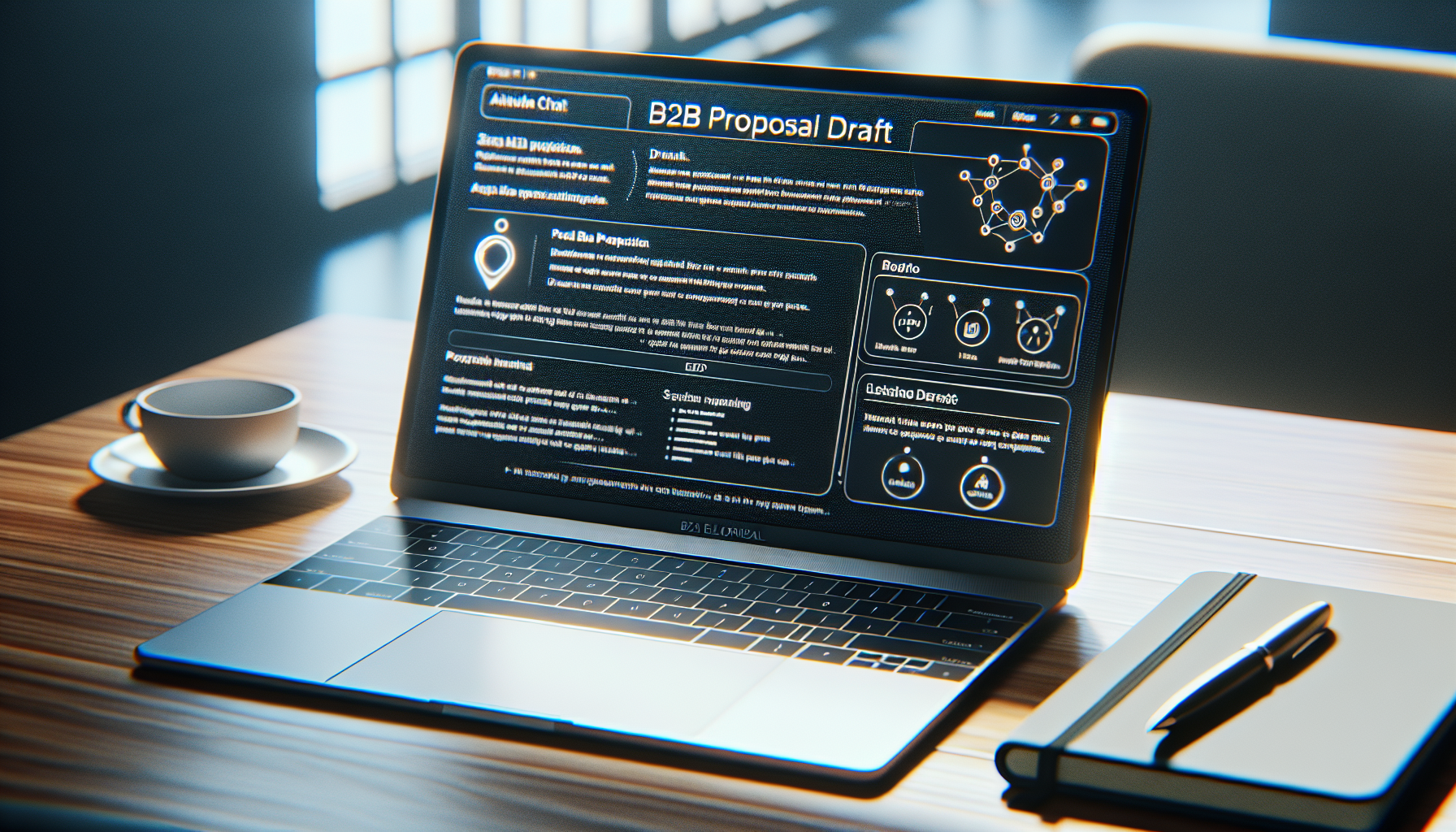
Claude’s interface with a structured B2B proposal draft — notice the section headings and professional tone that come from providing rich context upfront.
Step 2: The Strategic Draft — Section by Section
Once Claude has the context, don’t ask it to write the entire proposal in one shot. Instead, work through the proposal section by section. This prevents the AI from getting “lazy” and producing generic fluff when it runs out of specific context to draw from.
Here’s how a typical B2B proposal breaks down — and the exact prompts for each section:
The Problem Statement Prompt
This section is the most important. If the client feels genuinely understood, they’ll read the rest. Use their exact words from the discovery call — Claude will find them in the transcript.
“Based on the discovery notes, write the ‘Current Challenges’ section. Focus on the commercial impact of their current manual CRM process. Use their specific language about ‘losing deals in the noise’ and ‘admin burnout’. This section should make them feel deeply understood — not like a generic template.”
The Solution Mapping Prompt
Don’t let Claude write a generic service description. Force it to make a direct connection between each problem and your specific offering.
“Now, map my ‘Premium CRM Setup’ package to their specific needs. Explain exactly how the Pipedrive-Xero integration solves the ‘Admin Gap’ we identified in the notes. Be specific — reference their team size and the volume of monthly invoices they mentioned. Frame each feature as a solution to a named problem.”
The Investment/Pricing Prompt
Pricing sections kill deals when they look like an invoice. Frame it as ROI.
“Write the ‘Investment’ section for the Premium CRM Setup package at $X. Frame the pricing around the time savings we calculated — 8 hours per week at their average billing rate. Include a simple ROI calculation that shows payback within 6 weeks. Keep the tone confident, not apologetic.”
The Next Steps Prompt
“Write a short, warm ‘Next Steps’ section. The goal is a 30-minute onboarding call to confirm scope and sign off. Suggest a specific date range (within the next 5 business days) and provide a clear call to action. Keep it friendly — this is the moment to maintain the energy from the discovery call.”
Iterate, don’t regenerate. If a section isn’t right, don’t start over — tell Claude specifically what to change: “That’s too formal. Rewrite the first paragraph to match the conversational tone in the sample proposal — the one that opens with a direct question.”
Step 3: The Human Polish — The Final 20%
Claude will get you to about 80% of a finished proposal. Your job is the final 20% — and this is where good salespeople separate themselves from average ones. The goal isn’t to rewrite Claude’s work; it’s to make it undeniably yours.

A well-equipped B2B sales environment — the final polish step turns an AI-drafted document into a proposal that wins business.
The Three Things to Always Check
- Check the Numbers. AI can occasionally hallucinate pricing, dates, or calculations. Always double-check the ROI math, the pricing, the timeline, and any figures that came from your notes. This takes 2 minutes and protects your credibility.
- Add the Personal Touch. Include at least one specific detail from the call that proves you were listening — something Claude couldn’t have invented. For example: “As we discussed regarding your upcoming Sydney trade show in October…” or “Given that your team is about to grow from 4 to 7 in Q3…” This single sentence does more for trust than three paragraphs of benefits.
- Format for Your Delivery Tool. Copy the polished text into your proposal tool of choice — BetterProposals, PandaDoc, or a clean Word doc — and send. Don’t send a wall of text from a chat interface.
The “Smell Test” Checklist
Before you hit send, run through this quick checklist:
- Does the opening paragraph use the client’s own words about their problem?
- Is every service feature connected to a specific problem they named?
- Is there a concrete ROI or time-saving figure — not a vague “improved efficiency”?
- Is the next step specific (date, call, link) — not “please let me know your thoughts”?
- Does it sound like you wrote it — or like a generic AI tool?
The biggest mistake: Sending the AI output without reading it. Claude is very good, but it’s working from the context you gave it. If your discovery notes missed something important, the proposal will too. Always read the final version as if you’re the client seeing it for the first time.
The Full Prompt Library
Here’s the complete set of prompts you can copy, adapt, and reuse. Save these in a notes app, a Notion doc, or directly into your Claude Project as instructions.
Setup Prompts
“I am going to provide you with discovery notes from a new client, my service breakdown, and a sample of a past winning proposal. Your goal is to act as a Senior B2B Sales Consultant and draft a new proposal that matches my brand voice and formatting. Please confirm you have reviewed all three documents before we begin.”
“I don’t have a full transcript. I’m going to paste my rough notes from the discovery call below. Please read them carefully, identify the 3 most significant pain points the client expressed, and summarise what they’re trying to achieve. Then we’ll draft the proposal section by section.”
Section Drafting Prompts
“Write a 3-paragraph executive summary for a decision maker who may not read the rest of the proposal. It should: (1) confirm you understand their core challenge, (2) name the solution at a high level, (3) state the expected commercial outcome. Keep it under 200 words. No bullet points.”
“Using the service menu and past proposal as a reference, write a brief ‘About Us’ section (3–4 sentences) that establishes credibility without being self-congratulatory. Focus on outcomes we’ve delivered for similar clients, not on our company history.”
“Write the investment section for [Package Name] at [$X]. Frame it as an ROI calculation first, then state the price. Use the time-saving figures from the discovery notes. End with a sentence about what happens after they say yes — the onboarding process — to reduce anxiety about the commitment.”
Refinement Prompts
“This section is too formal. Rewrite it in a warmer, more direct tone — similar to the style in the sample proposal. It should feel like advice from a trusted colleague, not a pitch from a vendor.”
“This section is too generic. Go back through the discovery notes and find 2–3 specific details that can be woven in — things like team size, specific tools they mentioned, or timelines they gave. Use those details to make this section feel tailored, not templated.”
“This is too long. Cut it by 30% without losing the key points. Remove any sentences that don’t directly address the client’s specific situation or move the reader towards a decision.”
Proposal Tools That Work With Claude
Claude drafts the content. These tools handle the formatting, e-signature, and client experience — which are just as important for winning the deal.
BetterProposals
Clean, modern proposal templates with built-in e-signature and open-tracking. You’ll know the second your client opens the proposal — useful for timing your follow-up call. Best for service businesses sending 5–20 proposals per month.
PandaDoc
More powerful than BetterProposals — includes a content library, approval workflows, and Salesforce/HubSpot integration. The right choice if you’re managing a sales team and need consistency at scale. Slightly steeper learning curve.
Notion or Word Doc
If budget is tight or you’re just getting started, a clean, well-formatted Word document or Notion page works perfectly. The proposal content matters far more than the platform. Use a consistent template and focus your energy on the writing.
Make.com (Automation)
For teams sending high volumes, Make.com can automate parts of the workflow — auto-creating a draft proposal in your system when a deal reaches a certain stage in your CRM, or sending a follow-up reminder 48 hours after the proposal is opened.
The Results: Before vs. After
The numbers speak for themselves. Here’s what the shift from manual to AI-assisted proposal writing looks like in practice:
The compounding effect is significant: if you’re sending 6 proposals a month, you’re saving 30+ hours per month — time that goes back into business development, delivery, or just having an afternoon that doesn’t end at 9pm.
“You send the proposal while the client is still excited, increasing your win rate and freeing up your afternoon.”
Not sure where to start? We can set it up for you.
If you’d rather skip the setup and just start sending better proposals next week, we can build your entire Claude Project — brand voice documents, service menu, proposal templates, and prompt library — so anyone on your team can generate a high-quality proposal in under 15 minutes.
Using Claude AI as Your B2B Proposal Writer: The Short Version
If you landed here searching for how to use Claude as a proposal writer for your B2B business, here’s the distilled version of everything on this page:
Using Claude AI for proposal writing works like this: You feed Claude your discovery call notes or transcript, your company background, and the client’s specific pain points. Claude structures the proposal — executive summary, solution section, commercial terms, next steps — in your brand voice. You polish the final 20% and send it. Total time: under 30 minutes versus the 3–4 hours it used to take.
The key to using Claude AI for proposal writing effectively is the Context Dump described in Step 1 of this guide. Most B2B teams get mediocre AI proposals because they give Claude a vague brief. When you give Claude the full picture — the client’s words, their budget, their deadline, their concerns — the output is proposal-ready, not just a rough draft.
Three things that make Claude the best AI proposal writer for B2B teams in 2026:
- 200K context window — you can paste an entire 60-minute discovery call transcript and Claude processes it all
- Projects feature — save your brand voice, service menu, and pricing one time, and every proposal your team generates is consistent and on-brand
- Professional writing quality — Claude avoids the generic AI filler language that makes proposals sound like they were written by a robot, not a person who understood the brief
The full step-by-step process for using Claude as a B2B proposal writer — including the exact prompts — is in Steps 1–3 and the Prompt Library sections above.
Turn Every Discovery Call Into a Proposal — Same Day
I help B2B teams set up Claude Projects with their specific brand voice and service menus so anyone on the team can generate high-quality proposals in minutes. Let’s talk about how to automate the “writing” out of your sales process.
This guide contains affiliate links. If you sign up for a tool via our links, we may earn a commission at no extra cost to you — this helps keep the site free. We only recommend tools we’ve personally tested and would use ourselves.