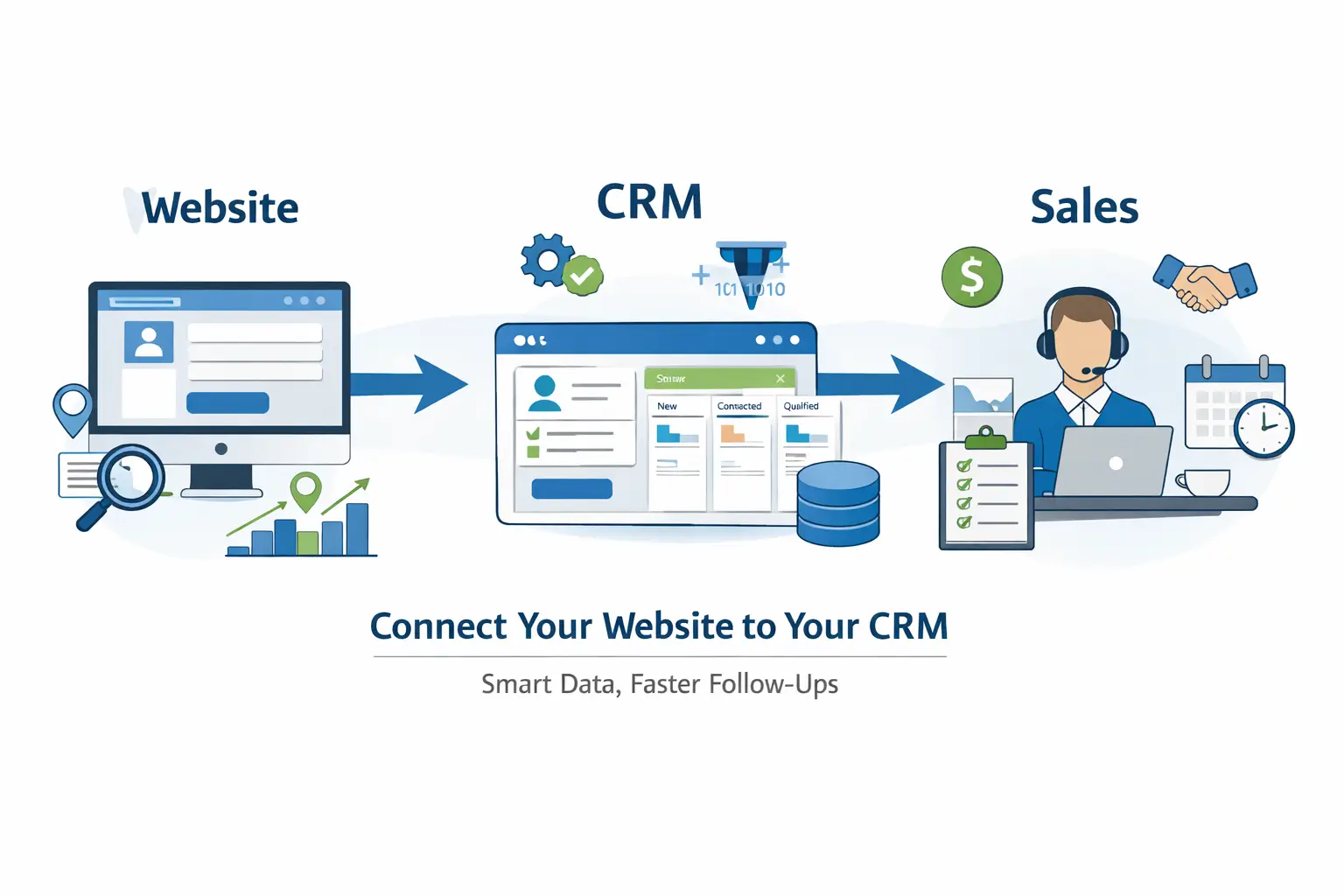
How to Connect Your Website to Your CRM
A lean, maintainable setup for small B2B teams. Capture leads cleanly, route them fast, and keep your CRM trustworthy without creating maintenance debt.
See CRM and Automation Solutions
Read the CRM Handbook
Tip for local teams: set your lead notifications to match your working hours in AEST and keep response targets realistic across time zones.
Quick win checklist
If you only do five things, do these:
1
Send form data into the CRM
No inbox forwarding. No copy paste.
2
Assign an owner automatically
Every lead needs a single accountable person.
3
Track source and page
Know what worked, not what you guess worked.
The silent leak
Most small B2B teams treat the website and the CRM like two separate worlds. The website is handled by an agency or a busy founder. The CRM belongs to sales. In between sits a manual handoff: contact form emails, slow follow ups, and incomplete records.
A lean system removes the handoff. When a prospect submits a form, the lead should land in the CRM with the right fields, the right owner, and the right context. Humans should spend time on the conversation, not data entry.
Pick an integration path
Choose the simplest option that meets your requirements.
Native CRM forms
Best when you use HubSpot or Pipedrive forms. Embed once, map fields, done.
WordPress form integration
Best for WPForms, Gravity Forms, Elementor forms. Map fields into CRM properties.
Lean automation layer
Use Make or Zapier only when you need logic: dedupe, enrichment, routing rules.
Lean rule: if your website to CRM flow needs weekly babysitting, it is not automation. It is maintenance debt.
What to capture
Forms fail when you ask for too much. For small B2B teams, the goal is speed and clarity. Capture identity, company context, and intent. Everything else should be optional or hidden.
1
Identity
Name and email. Keep the form short to protect conversion rate.
2
Context
Company name. This is the anchor for B2B qualification.
3
Intent
One dropdown such as website, CRM, automation, or service. Map it to a CRM field.
4
Hidden tracking
Capture source and landing page URL so reporting becomes real, not opinions.
Routing that actually works
Once the lead hits the CRM, speed matters. In Australia, teams often cover multiple regions and time zones, so keep it simple and consistent. Your system should do three things automatically.
1
Owner assignment
Route by territory, product line, or round robin. Do not leave leads unowned.
2
Instant notification
Send to mobile, Teams, or Slack. Email alone is too easy to miss.
3
Receipt email
Send a plain text confirmation with a clear timeframe for a call back.
Next steps
If your leads are landing in an inbox, you do not have a system yet. You have hope. Start with a clean flow, tighten your fields, and automate routing. Then improve reporting and attribution.
CRM Handbook
BDM Handbook
Automation Solutions
Website System
Want to go deeper?
Connecting your website to your CRM is only one part of building a system that stays clean as you grow.
The real leverage comes from getting the fundamentals right across your entire CRM setup.
The CRM Handbook walks through the core principles behind clean data flow, ownership rules,
pipeline design, and reporting discipline for small B2B teams.
If you are responsible for revenue, sales process, or tooling decisions,
this is the place to start.
Related Reading
RECOMMENDED TOOL
Capture Leads with Jotform
Build forms that connect directly to your CRM. Jotform integrates with Pipedrive, HubSpot, and 100+ tools — no code needed.
↑ Part of our CRM guide library — see all CRM guides.